
Explore Asia with Confidence – Discover, Plan & Travel Smart with The Asia Guide

Learn how to install eSIM before travelling to China
How to install eSIM before traveling to China? This guide explains device compatibility, QR code activation, roaming settings, and how tourists can prepare for smooth internet access on arrival.
Tuhin K. Chakma
2/27/20262 min read
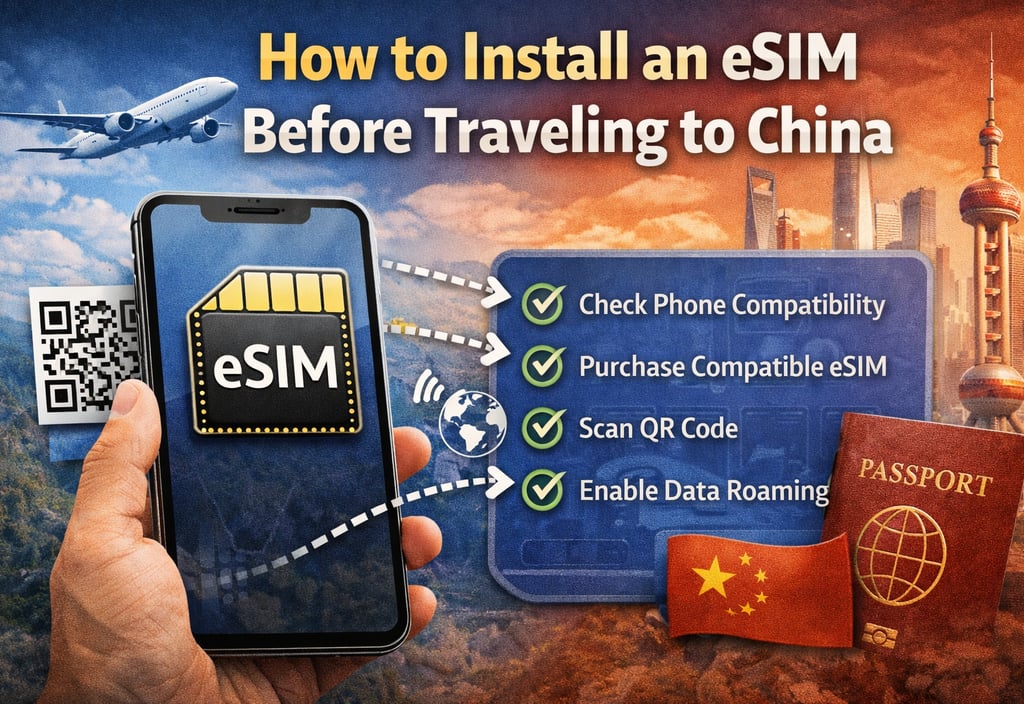
# How to Install an eSIM Before Traveling to China
Installing an eSIM before arriving in China is one of the smartest travel decisions you can make.
It allows instant internet access the moment you land — without airport queues, passport registration delays, or SIM card confusion.
This guide explains how to install an eSIM correctly before your trip to China.
---
## Why Install Your eSIM Before Arriving in China?
Activating your eSIM before departure ensures:
- Immediate connectivity at the airport
- No reliance on public WiFi
- No local store registration process
- No language barriers
- Faster travel transitions
For most tourists, preparation removes stress.
---
## Step 1: Check if Your Phone Supports eSIM
Before purchasing, confirm that your device supports eSIM.
Most modern phones support eSIM, including:
- iPhone XS and newer
- iPhone 11, 12, 13, 14, 15
- Google Pixel 3 and newer
- Samsung Galaxy S20 and newer
To check:
Go to Settings → Mobile Network → Add eSIM (or Add Cellular Plan)
If you see this option, your phone supports eSIM.
---
## Step 2: Purchase a China-Compatible eSIM
Choose an international roaming eSIM designed for travel to China.
Before buying, verify:
- Data coverage in mainland China
- Routing details (Hong Kong routing preferred)
- Activation instructions
- Data limits and validity period
Avoid purchasing local mainland-only profiles unless you understand VPN requirements.
---
## Step 3: Scan the QR Code
After purchase, you will receive:
- A QR code
- Manual activation details
- APN configuration (sometimes automatic)
To install:
1. Go to Settings
2. Tap Mobile Network
3. Select Add eSIM
4. Scan QR code
5. Confirm installation
Do not enable roaming yet unless instructed.
---
## Step 4: Keep Your Primary SIM Active (Optional)
If your phone supports dual SIM:
You can keep:
- Your home SIM for calls
- eSIM for data
Set the eSIM as your primary data line.
This is helpful for business travelers.
---
## Step 5: Activate Data Roaming Upon Landing
Most travel eSIMs activate when:
- You turn on data roaming
- Your phone connects to a supported network
Once you land in:
- Shanghai
- Beijing
- Guangzhou
- Shenzhen
Your device should automatically connect.
---
## Common Installation Mistakes
Avoid these common issues:
- Installing on an unsupported device
- Deleting QR code before installation
- Activating too early if the validity starts immediately
- Not enabling data roaming
Preparation prevents connection problems.
---
## Can You Install eSIM After Landing?
Yes.
But airport WiFi may be unstable or restricted.
Installing before departure is safer.
---
## Is eSIM Installation Legal in China?
Yes.
International roaming eSIM profiles are legal for tourists and widely used.
---
## Final Advice Before Traveling
Install your eSIM 24 hours before departure.
Keep the QR code saved in:
- Screenshot
- Cloud storage
Connectivity in China differs from that in many countries.
Preparation ensures smooth travel.